You can reference a git repo in compose’s “build” argument for a service as of this PR
Posts tagged: tech
All posts with the tag "tech"
186 posts
latest post 2026-10-06
Publishing rhythm
💭 uv script management
Dang Waylon! Love these few lines... uv is great, been using it for environment and project requirements management bu
It’s apparently advantageous for uv to have a specific shebang set that uv init doesn’t add, no problem, we can have a zsh alias for it
alias add-shebang='f(){
  if [[ ! -s $1 ]]; then
    echo "#!/usr/bin/env -S uv run --script" > "$1";
  elif head -n1 "$1" | grep -q "^#!"; then
    echo "Shebang already present in $1";
  else
    sed -i "1i #!/usr/bin/env -S uv run --script" "$1";
  fi
}; f'
Then if you have a python script from uv init --script you can add-shebang myscript.py to add the shebang.

Reflection - AI Work and ADHD
Reflection # It’s time to be more devoted to my work… AI has been a cool technology to watch and experience but one thing I’m allowing it to do to me is to kill my love for building… I feel like I’m arriving where I’ve already seen many talented developers get to - realization AI is not magic, it’s a headache. Don’t get me wrong, targeted and focused use of LLMs, with careful planning and time-boxing can be great, and has been for me. But I am a creature and prone to take the path of least resistance, and in many cases I’m just letting the LLM do the work. This is where the ADHD element from the title comes into play. Now, I’m not blaming ADHD for me being lazy, because I’m not sure laziness is the fairest descriptor of where I’ve been lately. A common issue for those with ADHD, maybe even the defining characteristic, is the black-hole that’s present in the space where motiviation and reward belong in the brain. I’ve resonated with this thought for much of my life: Fulfilled or Relieve…
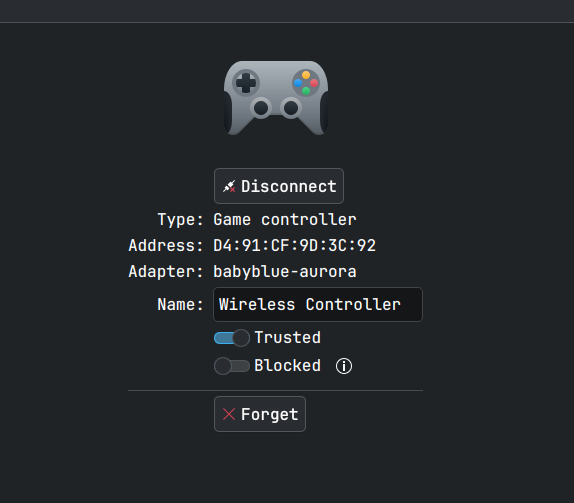
I bought a $20 PS4 knock-off controller recently as my PS4 controllers are 12 years old (to me!) and I bought them used before that… the instructions for a $20 controller are obviously bad but a godsend redittor discovered the hidden secret to pair this device with my computer! Instructions (for ps4) say to plug it in, hit the home button, and you’re paired. Now, that didn’t work on PC obviously, but it ALSO didn’t work on my PS4… Unfortunte! It works wired just fine, but turns out the magic to send the thing into traditional Bluetooth Pairing Mode is to hold the home and share buttons down - wait for a rapid few blinks - then you’ll see the controller in your bluetooth pairing menu!

Proxy Pull Docker Images From Self-Hosted Container Registry Through Self-Hosted Repoflow
This post is a short write-up of an issue I had while exploring Reploflow - a super solid artifactory-esq replacement for the homelab (and enterprise!). I’ve been playing with it and have tried to setup a few artifact repos that I’m familiar with - docker and pypi. PyPi # This isn’t a post about repoflow, but I had an issue with pypi and Tomer was EXTREMELY responsive in helping to fix my issue and patch repoflow within a day of me reporting the issue via email! Docker # For docker I have a few options I just wanted to see work - obviously proxy pull from Dockerhub for ease, but also in the interim I’d like to proxy pull from my original container registry to avoid having to update any homelab config just yet. Now, obviously I’ll have to update all my build pipelines to start using repoflow, and my homelab configuration to reference the repoflow docker repository rather than my existing registry. But there’s something to bear in mind if maintaining that middle registry - turns out a th…

A Simple Lua Plugin To Find My Drafts
I used windsurf to write daily-notes-neovim-plugin for navigating my daily notes in neovim.
AudioMass
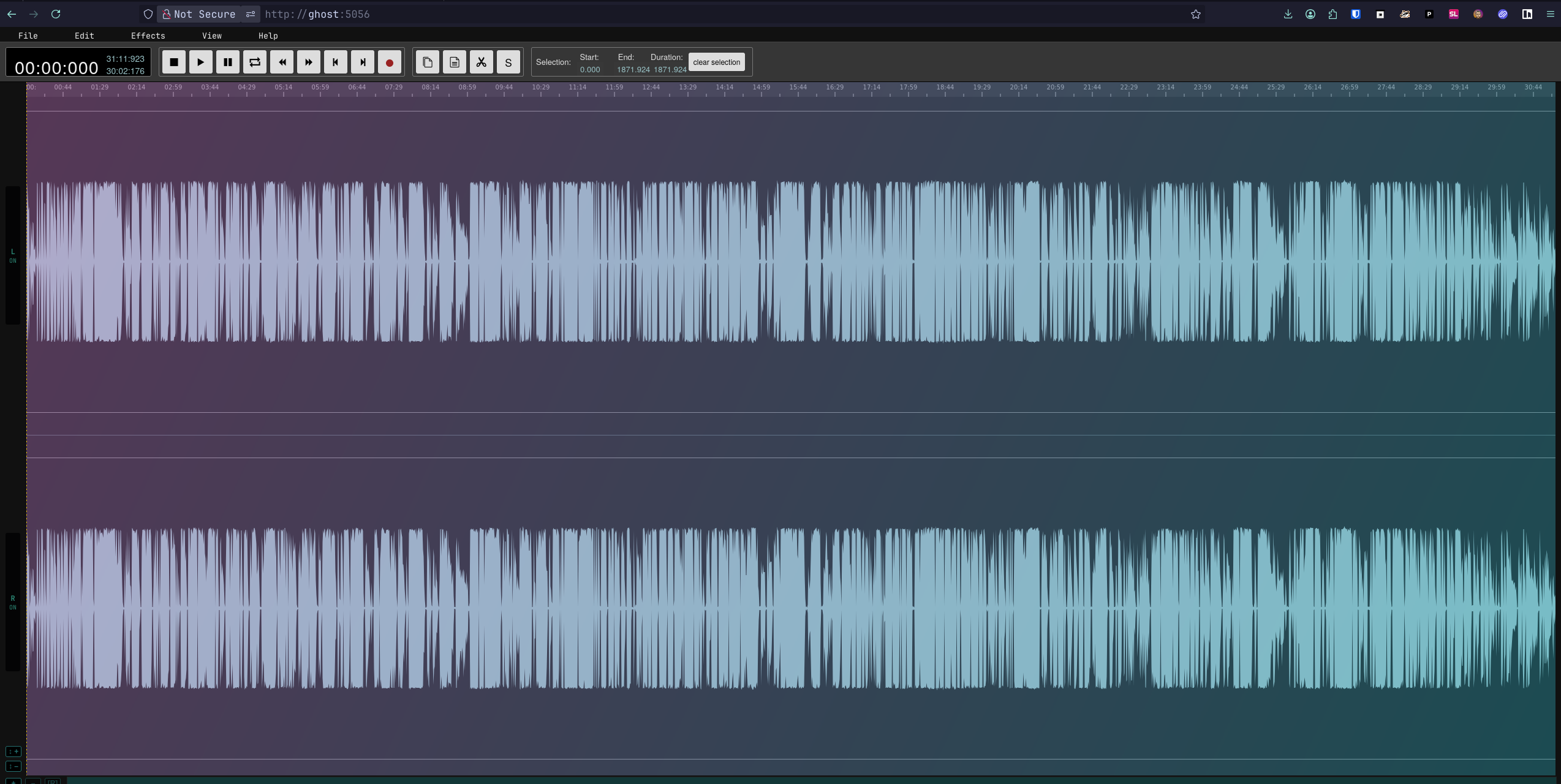
I edit our church’s recorded sermons every week and upload them to our website. It’s very simple, and the editing is just cutting the audio file down on the front and back sides of extra stuff picked up while the mic was on. I’ve been doing this for a while using Davinci Resolve which is WAY too heavy for trimming audio files but I’m loosely familiar with it and so I just have been dealing with the pain of long start up, overly complicated organization, etc. Well it’s been buggy on Aurora for me and a few weeks ago I got sick of it finally and tried KdenLive…. Now this is a great tool, but again I’m just cutting up some audio files, why is this hard? Double finally I just did some research and after a few minutes found audiomass which I immediately forked and dockerized cause it’s so simple and beautiful! Now I have a little webapp to trim these files from - almost such that the tech lead on Sunday could maybe do this instead of me! You can check it out on my github clone to begin trim…

Using Litestream to Restore My Database for Easy Development
see using-litestream-to-backup-quadtasks-sqlite-db for how I setup litestream replication for quadtask
I am working on shifting everything, or as much as I reasonably can, related to dev for myself to on-prem, including git and CI/CD. So for Quadtask I had a bunch of Github issues that I wanted to migrate to my kanboard instance, gpt-5 did a bang-up job on this script
It gets each issue, creates a tag for each label, creates the kanboard ticket, then closes the github issue
#!/bin/bash

# GitHub to Kanboard Issue Migration Script
# Uses GitHub CLI (gh) and curl to migrate issues

# Exit on error
set -e

# Check required environment variables
for var in KANBOARD_URL KANBOARD_TOKEN GH_TOKEN QUADTASK_KANBOARD_PROJECT_ID; do
    if [ -z "${!var}" ]; then
        echo "Error: $var is not set"
        exit 1
    fi
done

# GitHub repository (default: pypeaday/quadtask)
GITHUB_REPO=${GITHUB_REPO:-"pypeaday/quadtask"}

# Kanboard API endpoint
KANBOARD_API="$KANBOARD_URL/jsonrpc.php"

# Get all open issues from GitHub
echo "Fetching open issues from $GITHUB_REPO..."
ISSUES_JSON=$(gh issue list --repo "$GITHUB_REPO" --state open --limit 1000 --json number,title,body,labels)

# Count issues
ISSUE_COUNT=$(echo "$ISSUES_JSON" | jq '. | length')
echo "Found $ISSUE_COUNT open issues"

# Process each issue
echo "$ISSUES_JSON" | jq -c '.[]' | while read -r issue; do
    # Extract issue details
    NUMBER=$(echo "$issue" | jq -r '.number')
    TITLE=$(echo "$issue" | jq -r '.title')
    BODY=$(echo "$issue" | jq -r '.body // ""')
    # Extract label names as a JSON array
    LABELS_JSON=$(echo "$issue" | jq -c '[.labels[]?.name] // []')

    # Prepare Kanboard task data
    REQUEST_DATA=$(jq -n \
        --arg method "createTask" \
        --argjson id 1 \
        --arg jsonrpc "2.0" \
        --arg title "$TITLE" \
        --arg description "$BODY" \
        --arg project_id "$QUADTASK_KANBOARD_PROJECT_ID" \
        '{
            "jsonrpc": $jsonrpc,
            "method": $method,
            "id": $id,
            "params": {
                "title": $title,
                "description": $description,
                "project_id": $project_id
            }
        }')

    # Create task in Kanboard
    echo "Creating task: $TITLE"
    RESPONSE=$(curl -s -X POST \
        -H "Content-Type: application/json" \
        -u "jsonrpc:$KANBOARD_TOKEN" \
        -d "$REQUEST_DATA" \
        "$KANBOARD_API")

    # Check for errors
    if echo "$RESPONSE" | jq -e '.error' > /dev/null; then
        echo "Error creating task: $(echo "$RESPONSE" | jq -r '.error.message')"
    else
        TASK_ID=$(echo "$RESPONSE" | jq -r '.result')
        echo "Created task ID: $TASK_ID"

        # If there are labels, set them as Kanboard tags on the task
        if [ "$(echo "$LABELS_JSON" | jq 'length')" -gt 0 ]; then
            echo "Setting tags on task $TASK_ID: $(echo "$LABELS_JSON" | jq -r 'join(", ")')"
            TAGS_REQUEST=$(jq -n \
                --arg jsonrpc "2.0" \
                --arg method "setTaskTags" \
                --argjson id 2 \
                --arg project_id "$QUADTASK_KANBOARD_PROJECT_ID" \
                --arg task_id "$TASK_ID" \
                --argjson tags "$LABELS_JSON" \
                '{
                    jsonrpc: $jsonrpc,
                    method: $method,
                    id: $id,
                    params: {
                        project_id: $project_id,
                        task_id: $task_id,
                        tags: $tags
                    }
                }')

            TAGS_RESPONSE=$(curl -s -X POST \
                -H "Content-Type: application/json" \
                -u "jsonrpc:$KANBOARD_TOKEN" \
                -d "$TAGS_REQUEST" \
                "$KANBOARD_API")

            if echo "$TAGS_RESPONSE" | jq -e '.error' > /dev/null; then
                echo "Warning: Failed to set tags: $(echo "$TAGS_RESPONSE" | jq -r '.error.message')"
            else
                echo "Tags set successfully"
            fi
        fi

        # Close the corresponding GitHub issue to avoid duplicates
        TASK_URL="${KANBOARD_URL}/?controller=TaskViewController&action=show&task_id=${TASK_ID}"
        echo "Closing GitHub issue #$NUMBER with comment linking to Kanboard task..."
        if gh issue close "$NUMBER" --repo "$GITHUB_REPO" --comment "Migrated to Kanboard task $TASK_ID: $TASK_URL" >/dev/null; then
            echo "Closed GitHub issue #$NUMBER"
        else
            echo "Warning: Failed to close GitHub issue #$NUMBER"
        fi
    fi

    echo "----------------------------------------"
done

echo "Migration completed"