EDA #
I work with data a lot, but the nature of my job isn’t to dive super deep into a small amount of datasets, I’m often jumping between several projects every day and need to just get a super quick glance at some tables to get a high level view.
When I’m doing more interactive exploration I’ve graduated from Jupyter cells with df_N.head() to using an amazing tool called visidata
However, Visidata is a terminal based application and I’m often in an iPython console… so is there a way to move even faster for my super quick summary views?
yes!
Skimpy #
First thing to do is pip install skimpy and then it’s as easy to get some summary stats with skimpy <data>
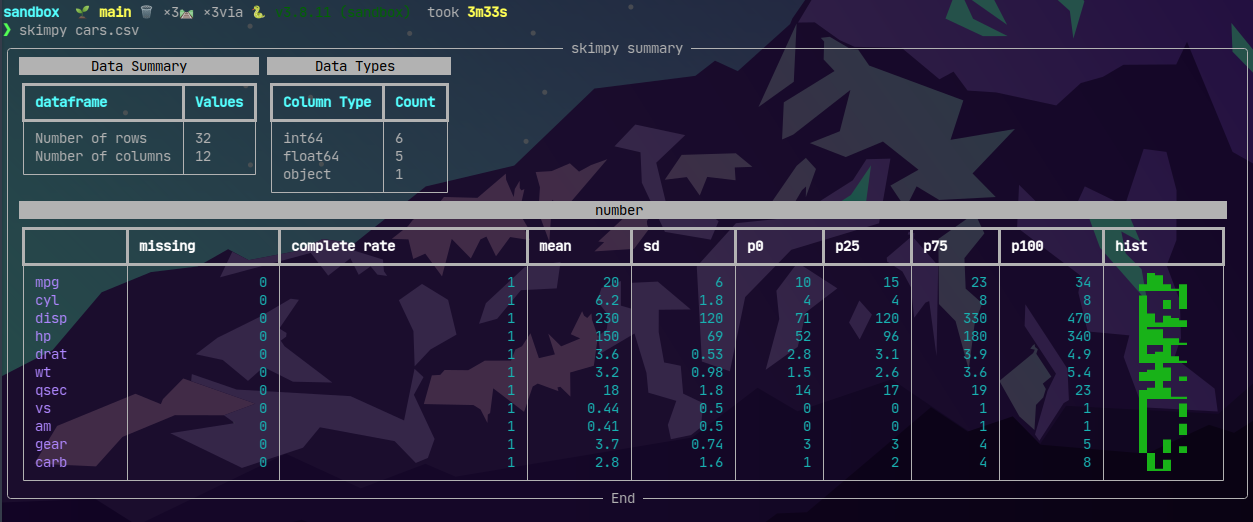
This is super nice for seeing missing values in particular as well as the distribution shape of the data.
iPython #
But wait… I just said I’m normally in an iPython session but that was called from zsh.. If I’m hoping back into zsh I might as well use visidata to have more powerful exploration at my fingertips. So… can I see this table quickly without breaking my iPython workflow?
Of course you can with magic!
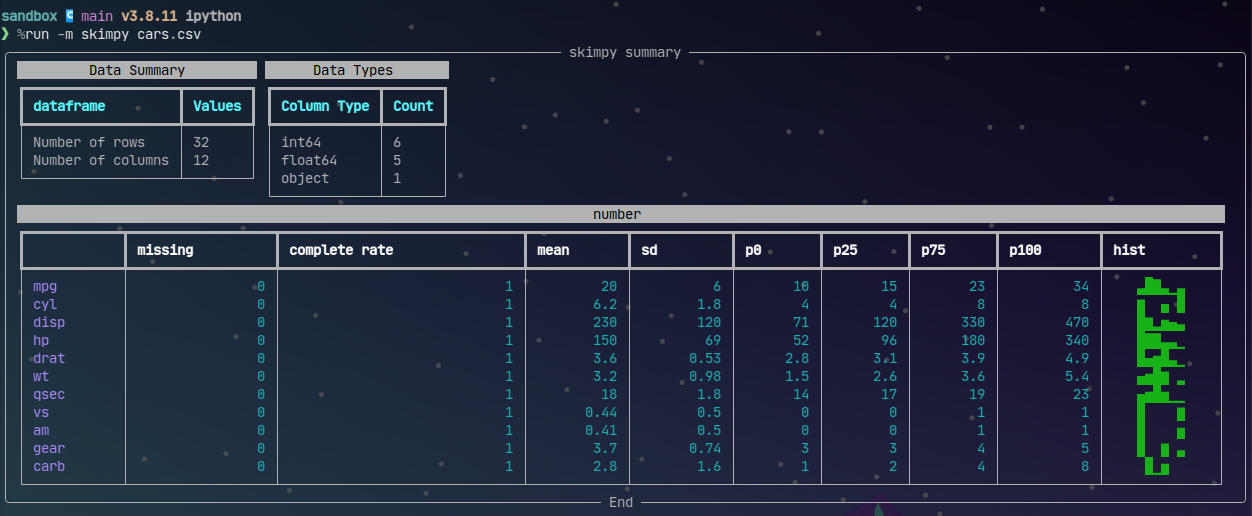
The above assumes you’re looking at a file, like you would in the terminal.
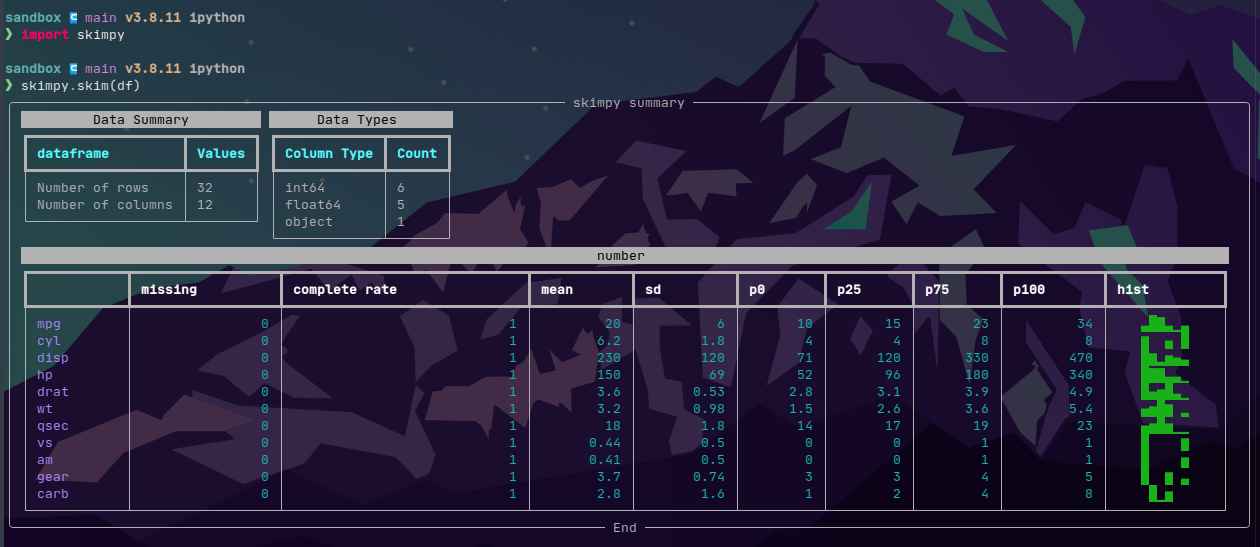
skimpy works even better in iPython with from skimpy import skim then pass any DataFrame to skim!