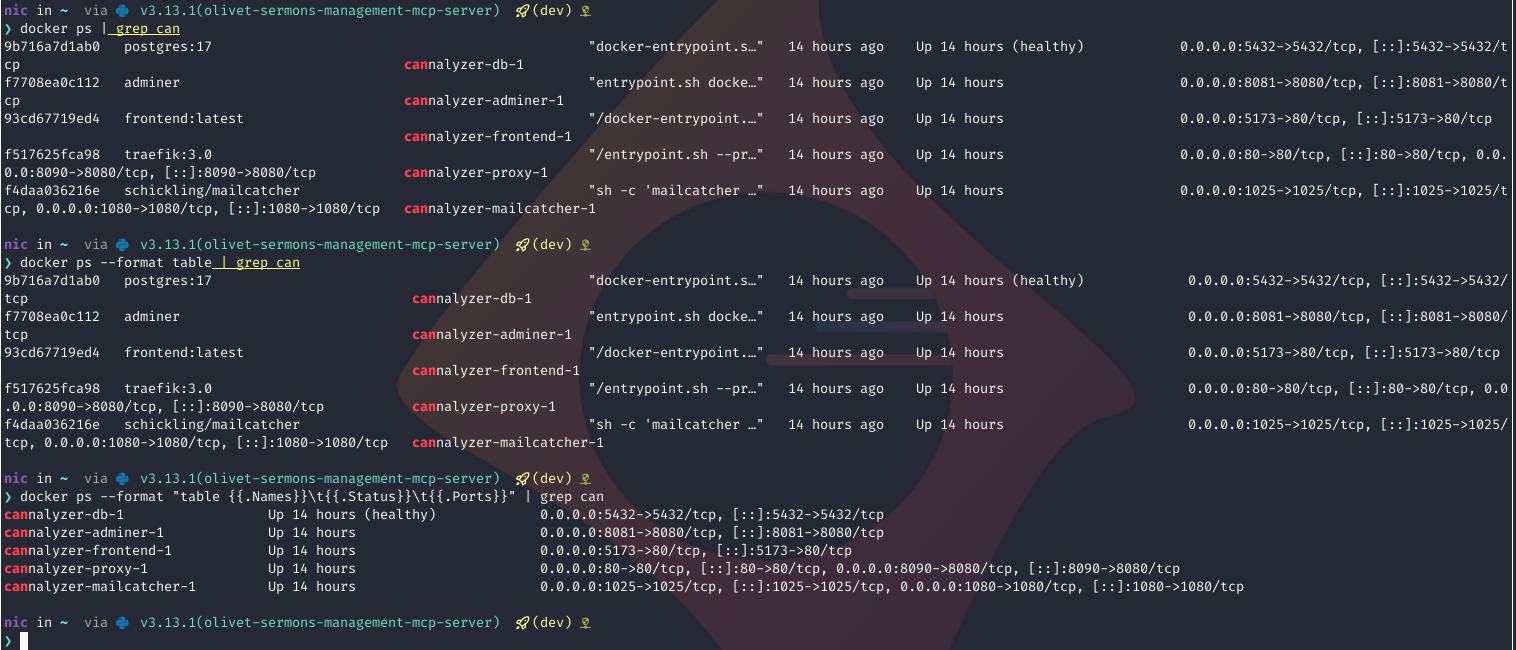
I am working with MiniMax M.2 to vibe up some webapp ideas for Nexus and I
just spent many minutes not having the app render correctly because the agent
mounted the wrong directory into the docker compose stack. I noticed it about 5
seconds after opening the file, but wasted nearly a half hour thinking it was a
docker issue in distrobox…
I noticed my template isn’t folding the codeblocks in a way that actually makes this post look like I’m lying!
I was working on UV Run + PEP 723 Is A Match Made In Heaven and I wanted to grab a screenshot of a TUI, but my terminal is full screen and the TUI was then super stretched… Nice for working and using it, but not nice for a screenshot going into a blog post… see the difference export COLUMNS=120 does here!
COLUMNS=120 mytui.py
mytui.py
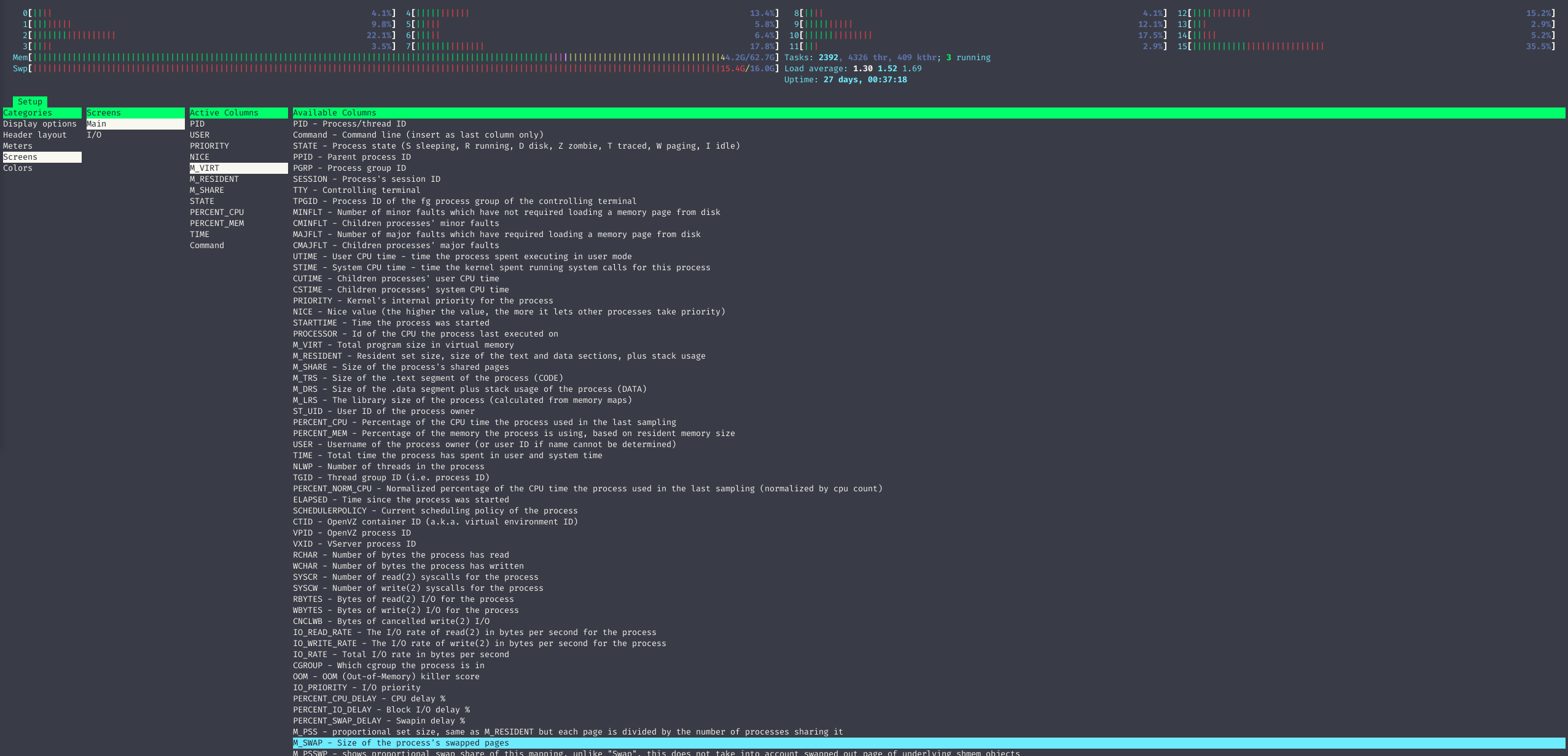
I struggle with maxxing swap on all my machines, I am sure it’s a neovim config
that I’ve propagated everywhere and I’m too lazy to figure it out. Instead I
just swapoff and swapon kind of often… but this morning I had to know how to
see what’s using all that swap….
Jellyfin brings in ratings and allows you to set custom ratings for shows,
which is nice for things like “block anything worse than TV-14 for my kid’s
account”. But what if my firend’s kids can watch shows I don’t want my kids
watching? Turns out tags exist and are great!
I’m cooking something up over here that will include SMS message notifications as a feature and I’ve been doing some reading on different providers… Many specialize in bulk SMS messaging, like for campaigns and promotions. So this pricing model doesn’t work for me. The providers that do quick single SMS messages are often $0.005 to $.04 cents per message which isn’t insanity but I’m not exactly backed by anyone… Well today I learned that you can actually send SMS messages via SMTP! I wouldn’t bank on total reliability here but for testing and initial roll out of what I want I think this will be perfect. And because I’m just that kind of guy, here’s some code you can and get yourself a handy little text. I’m going to build a simpler module but you can get a and within about 10 minutes. see here
You can reference a git repo in compose’s “build” argument for a service as of this PR
It’s apparently advantageous for uv to have a specific shebang set that uv init doesn’t add, no problem, we can have a zsh alias for it
alias add-shebang='f(){
  if [[ ! -s $1 ]]; then
    echo "#!/usr/bin/env -S uv run --script" > "$1";
  elif head -n1 "$1" | grep -q "^#!"; then
    echo "Shebang already present in $1";
  else
    sed -i "1i #!/usr/bin/env -S uv run --script" "$1";
  fi
}; f'
Then if you have a python script from uv init --script you can add-shebang myscript.py to add the shebang.
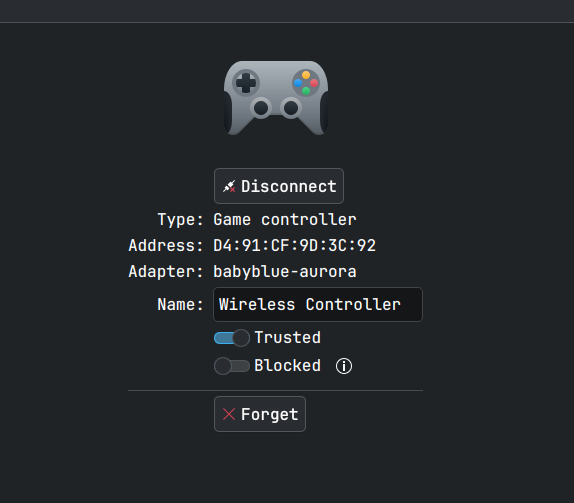
I bought a $20 PS4 knock-off controller recently as my PS4 controllers are 12
years old (to me!) and I bought them used before that… the instructions for a
$20 controller are obviously bad but a godsend redittor discovered the hidden
secret to pair this device with my computer! Instructions (for ps4) say to plug
it in, hit the home button, and you’re paired. Now, that didn’t work on PC
obviously, but it ALSO didn’t work on my PS4… Unfortunte! It works wired just
fine, but turns out the magic to send the thing into traditional Bluetooth
Pairing Mode is to hold the home and share buttons down - wait for a rapid few
blinks - then you’ll see the controller in your bluetooth pairing menu!
I am working on shifting everything, or as much as I reasonably can, related to
dev for myself to on-prem, including git and CI/CD. So for Quadtask I had a
bunch of Github issues that I wanted to migrate to my kanboard instance, gpt-5
did a bang-up job on this script
It gets each issue, creates a tag for each label, creates the kanboard ticket, then closes the github issue
#!/bin/bash# GitHub to Kanboard Issue Migration Script# Uses GitHub CLI (gh) and curl to migrate issues# Exit on errorset -e
# Check required environment variablesfor var in KANBOARD_URL KANBOARD_TOKEN GH_TOKEN QUADTASK_KANBOARD_PROJECT_ID;doif[ -z "${!var}"];thenecho"Error: $var is not set"exit1fidone# GitHub repository (default: pypeaday/quadtask)GITHUB_REPO=${GITHUB_REPO:-"pypeaday/quadtask"}# Kanboard API endpointKANBOARD_API="$KANBOARD_URL/jsonrpc.php"# Get all open issues from GitHubecho"Fetching open issues from $GITHUB_REPO..."ISSUES_JSON=$(gh issue list --repo "$GITHUB_REPO" --state open --limit 1000 --json number,title,body,labels)# Count issuesISSUE_COUNT=$(echo"$ISSUES_JSON"| jq '. | length')echo"Found $ISSUE_COUNT open issues"# Process each issueecho"$ISSUES_JSON"| jq -c '.[]'|whileread -r issue;do# Extract issue detailsNUMBER=$(echo"$issue"| jq -r '.number')TITLE=$(echo"$issue"| jq -r '.title')BODY=$(echo"$issue"| jq -r '.body // ""')# Extract label names as a JSON arrayLABELS_JSON=$(echo"$issue"| jq -c '[.labels[]?.name] // []')# Prepare Kanboard task dataREQUEST_DATA=$(jq -n \
--arg method "createTask"\
--argjson id 1\
--arg jsonrpc "2.0"\
--arg title "$TITLE"\
--arg description "$BODY"\
--arg project_id "$QUADTASK_KANBOARD_PROJECT_ID"\
'{
"jsonrpc": $jsonrpc,
"method": $method,
"id": $id,
"params": {
"title": $title,
"description": $description,
"project_id": $project_id
}
}')# Create task in Kanboardecho"Creating task: $TITLE"RESPONSE=$(curl -s -X POST \
-H "Content-Type: application/json"\
-u "jsonrpc:$KANBOARD_TOKEN"\
-d "$REQUEST_DATA"\
"$KANBOARD_API")# Check for errorsifecho"$RESPONSE"| jq -e '.error' > /dev/null;thenecho"Error creating task: $(echo"$RESPONSE"| jq -r '.error.message')"elseTASK_ID=$(echo"$RESPONSE"| jq -r '.result')echo"Created task ID: $TASK_ID"# If there are labels, set them as Kanboard tags on the taskif["$(echo"$LABELS_JSON"| jq 'length')" -gt 0];thenecho"Setting tags on task $TASK_ID: $(echo"$LABELS_JSON"| jq -r 'join(", ")')"TAGS_REQUEST=$(jq -n \
--arg jsonrpc "2.0"\
--arg method "setTaskTags"\
--argjson id 2\
--arg project_id "$QUADTASK_KANBOARD_PROJECT_ID"\
--arg task_id "$TASK_ID"\
--argjson tags "$LABELS_JSON"\
'{
jsonrpc: $jsonrpc,
method: $method,
id: $id,
params: {
project_id: $project_id,
task_id: $task_id,
tags: $tags
}
}')TAGS_RESPONSE=$(curl -s -X POST \
-H "Content-Type: application/json"\
-u "jsonrpc:$KANBOARD_TOKEN"\
-d "$TAGS_REQUEST"\
"$KANBOARD_API")ifecho"$TAGS_RESPONSE"| jq -e '.error' > /dev/null;thenecho"Warning: Failed to set tags: $(echo"$TAGS_RESPONSE"| jq -r '.error.message')"elseecho"Tags set successfully"fifi# Close the corresponding GitHub issue to avoid duplicatesTASK_URL="${KANBOARD_URL}/?controller=TaskViewController&action=show&task_id=${TASK_ID}"echo"Closing GitHub issue #$NUMBER with comment linking to Kanboard task..."if gh issue close "$NUMBER" --repo "$GITHUB_REPO" --comment "Migrated to Kanboard task $TASK_ID: $TASK_URL" >/dev/null;thenecho"Closed GitHub issue #$NUMBER"elseecho"Warning: Failed to close GitHub issue #$NUMBER"fifiecho"----------------------------------------"doneecho"Migration completed"